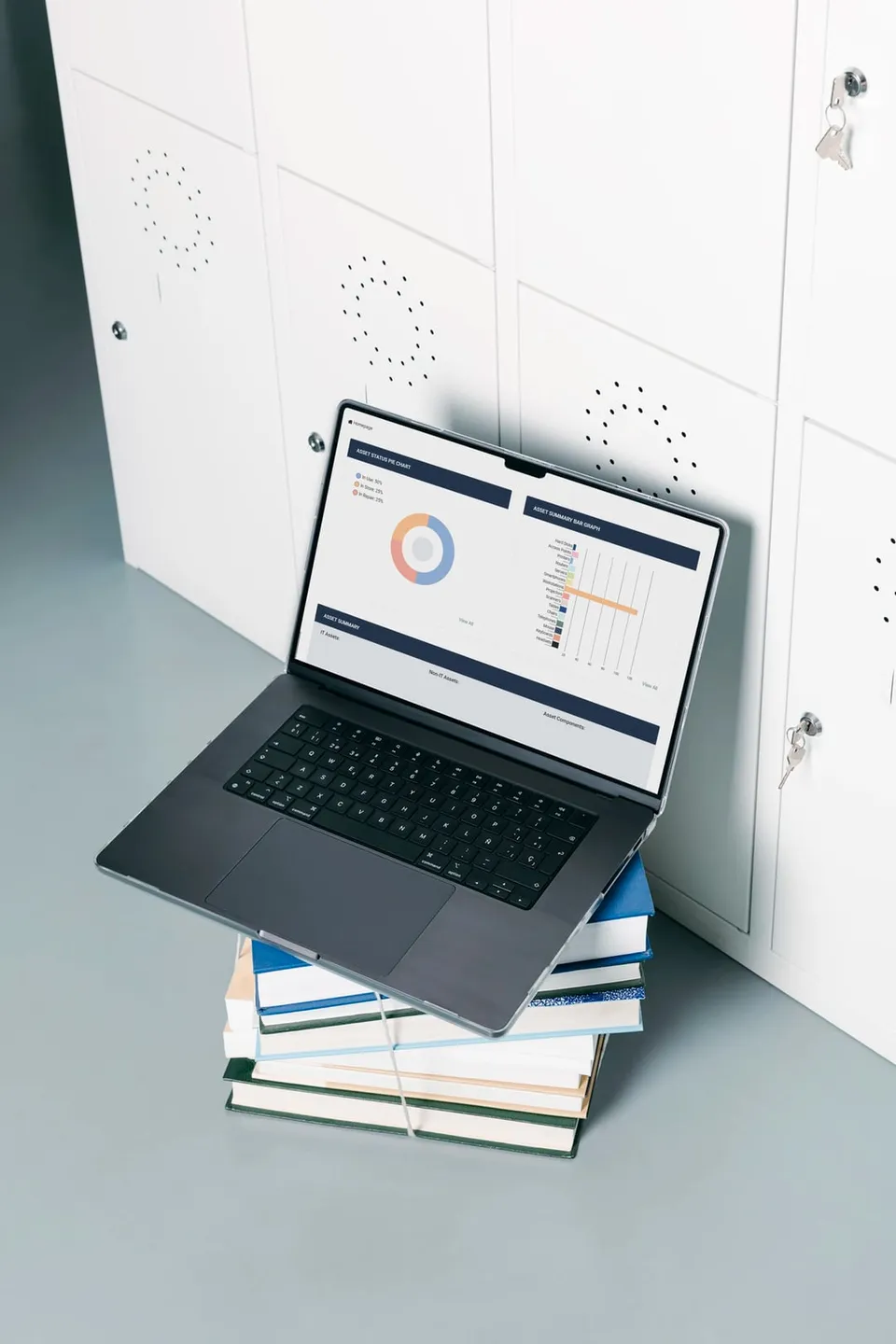
ISB Global tracked hardware, licences, furniture and consumables across multiple locations in spreadsheets, separate databases and paper logs, and managers didn't trust what they saw. I designed an asset register where every asset has its own profile and history, so there is one record people can rely on. In testing with 20 ISB staff, time spent logging asset data fell by 70%, and the project manager reported that 95% of asset changes and requests moved to the new system within a month of launch.
Project facts
Role
Sole designer, from research to usability testing
Year
2023
Team
Sole designer, working with a project manager and developers
Timeline
Around 5 months, alongside other projects
Platform
Responsive web-based B2B SaaS for desktop and tablet, with a light mobile view, as a feature of ISB Global's WR1 platform, which ISB sells to external clients
Asset records lived in spreadsheets, fragmented databases and paper logs. Records were duplicated or inconsistent, items went missing, audits were hard to trace and managers had no single view. Staff spent hours reconciling data by hand, and asset requests got lost. When I interviewed and observed operations staff and managers, the deeper issue was trust: managers doubted the spreadsheets matched reality, so they double-checked everything.
What I did
Alongside the three decisions below, I designed the secure, multi-tenant login that lets different organisations and roles reach the register through WR1.
A profile per asset, not a better table
The expectation was a tidier table. But a tidier table would still be a list nobody trusted. I gave every asset its own page: its details, who has it, its status and its full history. The hard part was deciding what earned a place on that page, so it answered a manager's questions without burying frontline staff in fields.
One system for very different assets
A laptop needs a serial number. A licence needs an expiry date and a seat count. A chair needs neither. I designed a shared set of core fields for every asset, with extra fields that appear depending on the asset type. That kept one consistent form, and left room for new asset types later.
Audit and reporting for non-technical managers
Managers needed audit trails and reports, but they weren't technical users. I had to choose the few things they needed at a glance, such as how many assets were in use, in store or in repair, and leave the rest out. Each asset's history was written to be read, not decoded, and reports could be exported to CSV or Excel.
The outcome
Before launch, I tested with 20 operations staff and project managers at ISB. Each was timed logging asset data in the old spreadsheets, then later in the new design, while I observed.
Time spent logging asset data fell by 70%
After launch, the project manager reported:
95% of asset changes and requests went through the new system within a month
No loss incidents tied to missing records in the first 3 months
The raw data stayed with ISB Global, so these figures come from my own notes. In testing, everyone used the spreadsheets first, so some of the gain may reflect practice. The register sits behind a login, so I can't link to it, but I'm happy to walk through it.
The register launched inside ISB Global and then became a feature of its WR1 platform, which ISB sells to external clients in the US waste and recycling industry, so it is now used by a number of other companies through WR1. The testing and launch figures above come from ISB Global's own staff.
What I learned
The staff were comfortable in spreadsheets even though they caused errors. I learned that a new tool has to feel as easy as the old habit before anyone cares that it's better.