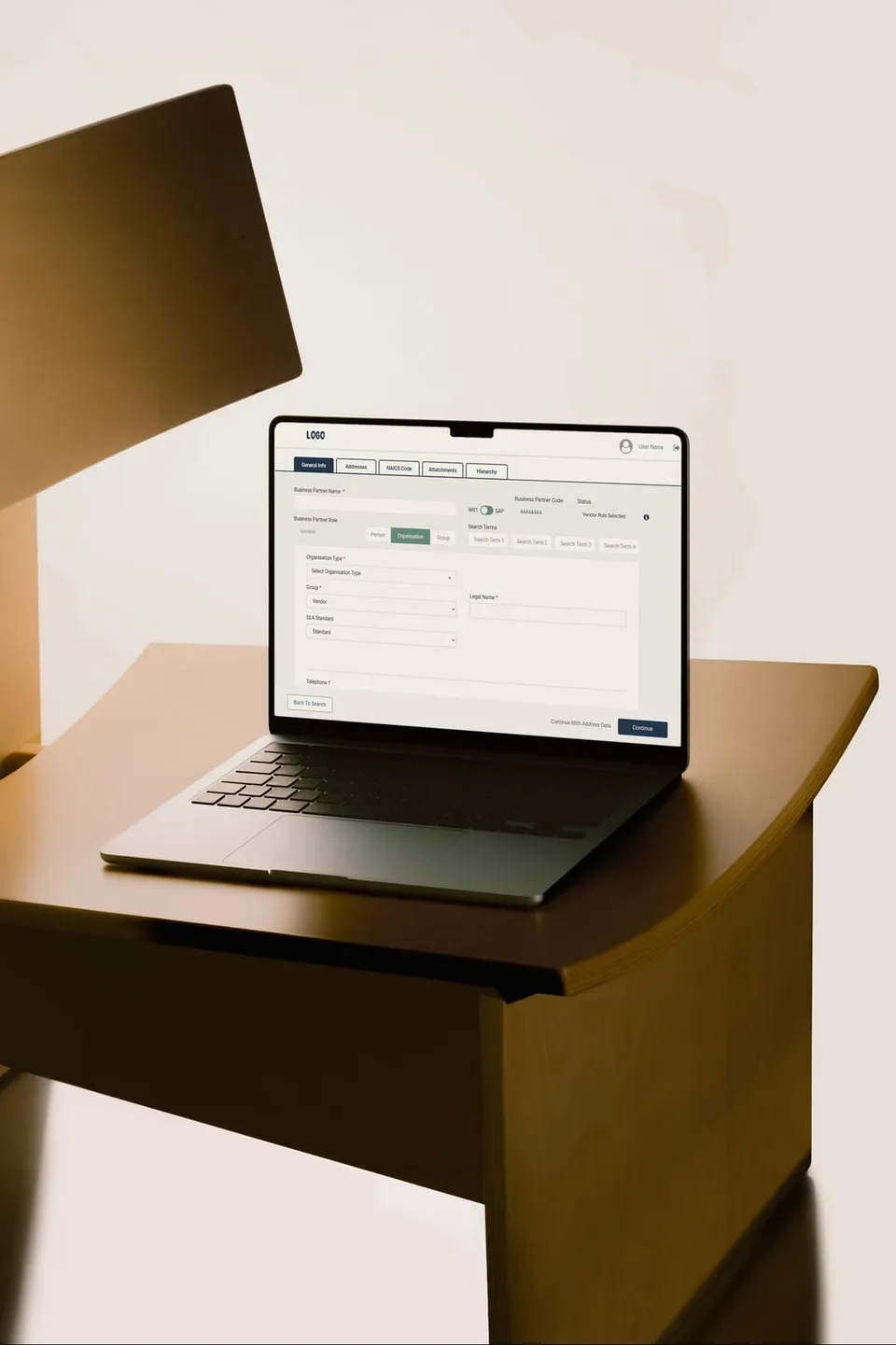
ISB Global staff created and maintained Business Partner profiles through a fragmented Excel workflow that produced duplicates and mismatched records. I was asked to turn the spreadsheet into a screen. I redesigned the workflow instead, with standardised fields and validation that stops bad records being saved. In testing with 20 ISB staff, records took 47% less time to create and user errors fell by 55%.
Project facts
Role
Sole designer, from research to usability testing
Year
2023
Team
Sole designer, working with a project manager, developers, functional analysts and other stakeholders
Timeline
Around 6 months, alongside other projects
Platform
Web-based B2B SaaS, as a feature of ISB Global's WR1 platform, which ISB sells to external clients
Tools
Axure RP, interviews, observation, user surveys, usability testing
The problem
A Business Partner profile holds the contracts, service links, billing and key account data for a customer, vendor or lead. Staff across departments typed these into Excel by hand. The same partner could be entered twice, or entered differently by two departments, and nothing in the spreadsheet stopped it. Every error surfaced later, in billing, reporting or someone else's afternoon. The tool also had to work alongside the company's existing enterprise software, with staff able to switch between WR1 data and SAP data.
What I did
I featured two decisions here because they shaped everything else, including account consolidation, contact filtering and bulk imports.
A workflow, not a spreadsheet on a screen
The expectation was simple: make the spreadsheet into a screen. Before designing anything I interviewed staff and watched them create records. The trouble wasn't how the spreadsheet looked. It was the work around it: repeated manual entry, and no shared rules for what a complete record was. A tidier version of the same grid would have kept every one of those problems, and people would have gone back to Excel. So I designed around the job itself, as a guided sequence: general information, addresses, NAICS codes, attachments and hierarchy.
Bad records can't be saved
In Excel, anything could be saved and mistakes were found later, by someone else. I designed the form so the mistake couldn't be made. Where staff had to type something unique, such as a person's name or a business name, the record would not save until the field was complete and valid. Wherever the answer came from a fixed set, I used a dropdown, so a mistyped or invented value was impossible.
The outcome
I tested with 20 ISB employees. Each was timed creating a record with the old Excel process, then later with the new design, while I observed.
Records took 47% less time to create, from my timed, observed user journeys
User errors fell by 55%, counted while I observed the sessions
Data consistency improved by 38%: a combined measure of fewer duplicate records and fewer mismatches between departments, calculated by a functional analyst on the project
The raw data stayed with ISB Global, so these figures come from my own notes. They come from testing, not live production data, and everyone used Excel first, so some of the gain may reflect practice. It sits behind a login, so I can't link to it, but I'm happy to walk through it.
The tool launched inside ISB Global and then became a feature of its WR1 platform, which ISB sells to external clients in the US waste and recycling industry, so it is now used by a number of other companies through WR1. The testing figures above come from ISB Global's own staff.
What I learned
I was asked to turn a spreadsheet into a screen. Watching people do the work showed me the brief described a symptom, and I now observe the task before I accept the ask. The changes that mattered most were ones nobody notices: a dropdown where a typo used to be possible, a field that won't save until it's right.