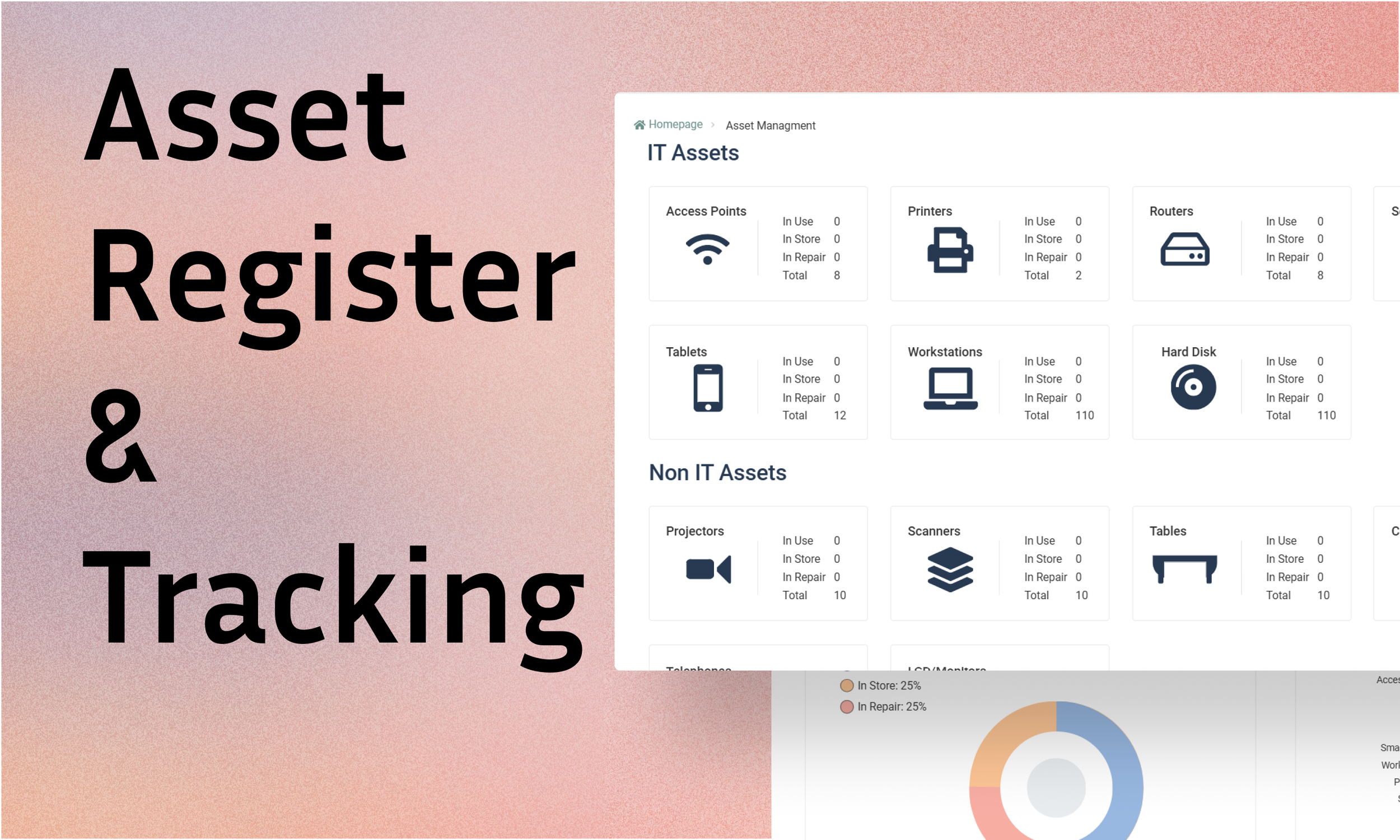


Summary
Context & Problem: Redesigned an internal admin tool to consolidate and simplify how Business Partner profiles and key vendor information was created and managed. Thus solving a fragmented, error prone Excel based workflow that didn’t scale.
Role & Process: Led full end-to-end using Axure RP, user surveys and usability testing to introduce structured data flows, standardised fields, validation, and better filtering/navigation that reduced manual effort.
Solution & Impact: Delivered a workflow that promotes accuracy and scale. The design reduced record creation time by 47%, improved data consistency by 38% and cut user errors 55%, turning a spreadsheet-heavy method into a reliable source of truth.
Context
Context: Admin tool used by staff to create and maintain Business Partner profiles, including contracts, service links, billing information and key account data.
Goal: The Business Partners project aimed to streamline the management of customer, vendor, and lead information within the company's internal systems. The system needed to support the creation, modification, and deletion of Business Partner records while ensuring seamless integration with existing enterprise software.
Tools: Axure RP, Usability Testing & User Surveys.

Problem
The existing process for handling Business Partners was inefficient, requiring manual input across multiple departments with inconsistent data handling via Excel spreadsheets etc. Users faced difficulties consolidating accounts, managing address limitations, and filtering relevant contacts. Additionally, the need for automated updates and bulk processing was not adequately supported, leading to operational delays and increased administrative workload.
To summarise: the system wasn’t supporting the reality of admin work at scale.

The “A-Ha”
Moment
The breakthrough here was recognising the task wasn’t to transform this spreadsheet mentality into some UX/UI format. The task was really a workflow and data consistency problem.
If the solution didn’t actively prevent bad input and reduce admin repetition, users would keep falling back to manual methods of spreadsheets and the system would never become a reliable source of truth.

A Key Challenge
Designing something that stayed simple for day-to-day users, while still handling the complexity of an enterprise:
Different BP types and needs (customer/vendor/lead).
Consolidation for payments.
Contact role filtering (internal vs external).
Bulk imports for onboarding.
Required fields and governance without slowing people down.
solution, Output & Impact
Solution / Output
I redesigned the Business Partners Create & Update experience to support accuracy, scale, and day-to-day efficiency by:
Introducing standardised fields and a unified information architecture.
Adding clear validation rules to prevent incomplete or incorrect records.
Streamlining navigation to reduce unnecessary steps.
Enabling account consolidation for payments and reporting.
Improving contact filtering to distinguish internal vs external roles.
Supporting bulk onboarding through structured data imports.
The solution was designed to actively prevent errors rather than rely on users to correct them later.
Impact:
The redesigned workflow delivered measurable operational improvements:
📌 47% faster record creation, driven by clearer validation and simplified navigation
📌 38% improvement in data consistency, through standardised fields and automated rules
📌 55% decrease in user errors during partner creation and consolidation
The previously spreadsheet heavy, error prone method has been transformed into a more streamlined. Beyond efficiency gains, the system became a reliable source of truth, reducing manual workarounds and enabling teams to work with confidence at scale.


Other Case Studies & INFO